
Points and rewards
On the Family plan, points turn everyday chores into a small reward system. Family members earn points by completing checklists, and those points are redeemed against Goals you set up, like "100 points for movie night." It is a light, friendly way to get everyone pitching in.
How points are earned
Points come from checklists that have points turned on. On a checklist's detail page you can:
- Turn on points for that checklist.
- Set how many points each completion is worth.
When a family member works through the checklist and completes it, they earn those points. If the checklist uses approvals, the points credit once an approver approves it; if it does not, they credit automatically the moment the last task is checked off. Points and approvals are independent, so a checklist can reward points with no review step at all. See Checklists for how points and approvals work.
Goals are the reward
Points are spent on Goals, the rewards an owner or admin sets up. To create one, open the Goals page and choose New goal. A goal has:
- A name. "Movie night," "New skateboard," "Pizza Friday."
- A points target. How many points it takes to unlock, like 100.
- An optional picture so kids can see what they are working toward.
- Assignees. Which family members can earn toward it.
- A redemption scope. Whether it draws from a member's general points or from points earned specifically for that goal.
- Repeatable or one-time. Whether it resets for another round after it is claimed.
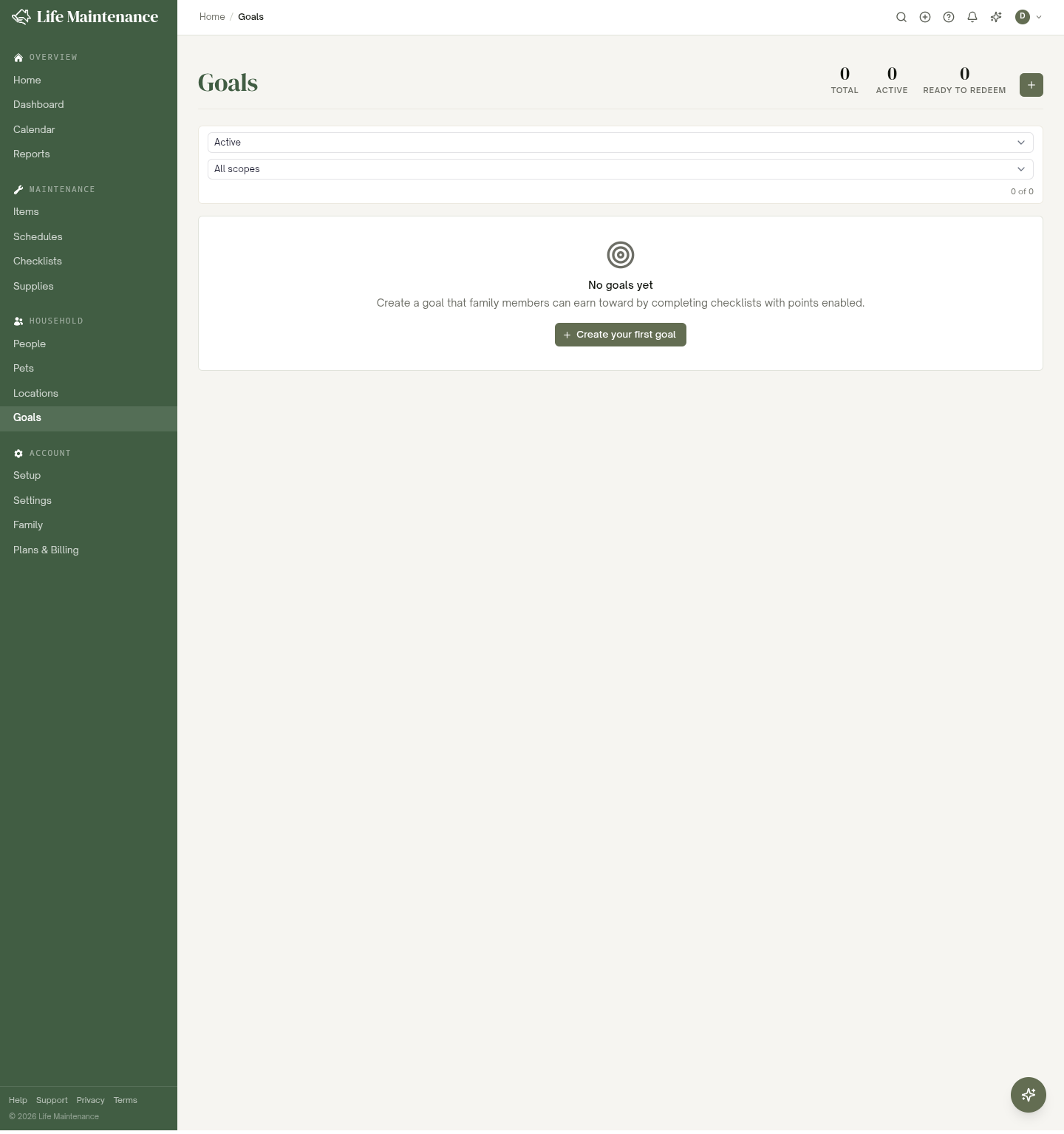
Redeeming
As points add up, each goal shows a progress bar. When a member reaches the target, the goal is ready to redeem. An owner or admin redeems it, which spends the points. If the goal is repeatable, it resets so the next round can begin.
Allowance
Points can stand for money. Under Settings > Family > Points and allowance, an owner or admin sets what a point is worth, say $0.25. From then on each person's points also show as dollars: on their page under Points, in the wall tablet's points view, and when you record a payout.
On a person's page under Points, Weekly allowance schedules a set number of points to land on a day of the week, in your time zone. Pause it or remove it any time. When you hand over cash, choose Pay out, enter the points, and the app records the payout with the dollar amount at that day's value. The points come out of the general bucket, not out of any goal.
No money moves through the app. This is a ledger you keep; the paying is yours.
Who can do what
- Any family member earns points by completing checklists.
- Owners and admins create goals and redeem them.
Points and Goals are a Family-plan feature. See The Family plan to set your household up.
What to read next
- Goals covers setting up the rewards that points are redeemed against.
- Checklists for the checklists that earn points.
- The Family plan for roles, approvals, and sharing.