
Costs and spending
Life Maintenance gives you a running picture of what your upkeep costs, built from the cost estimates on your schedules. You can see what a single task is likely to run and roll everything up into the cost views inside Reports.
Estimated costs on task cards
When you set up schedules for an item, or open a schedule's detail page, most tasks show an Est. cost. These are catalog-sourced estimates that give you a ballpark before you commit to a task or schedule a service call.
A few things to know about these estimates:
- DIY tasks show a materials cost (filters, fluids, parts).
- Professional tasks show a typical service fee.
- A pure visual check (where no materials are needed and a provider is not required) shows Free.
- If no estimate is available for a task, the cost chip is hidden.
Expand a task card and look for the Cost covers line to see what the estimate includes and whether it applies once or each time you do the task.
If a schedule truly costs you nothing, you can flip it to No charge on the schedule's detail page. That keeps its reminders but leaves it out of the cost estimates.
These estimates are guides, not quotes. What you actually pay may vary by region, brand, and provider.
Where costs roll up: Reports
You review spending inside Reports, which is part of the Pro and Family plans. Two places pull it together:
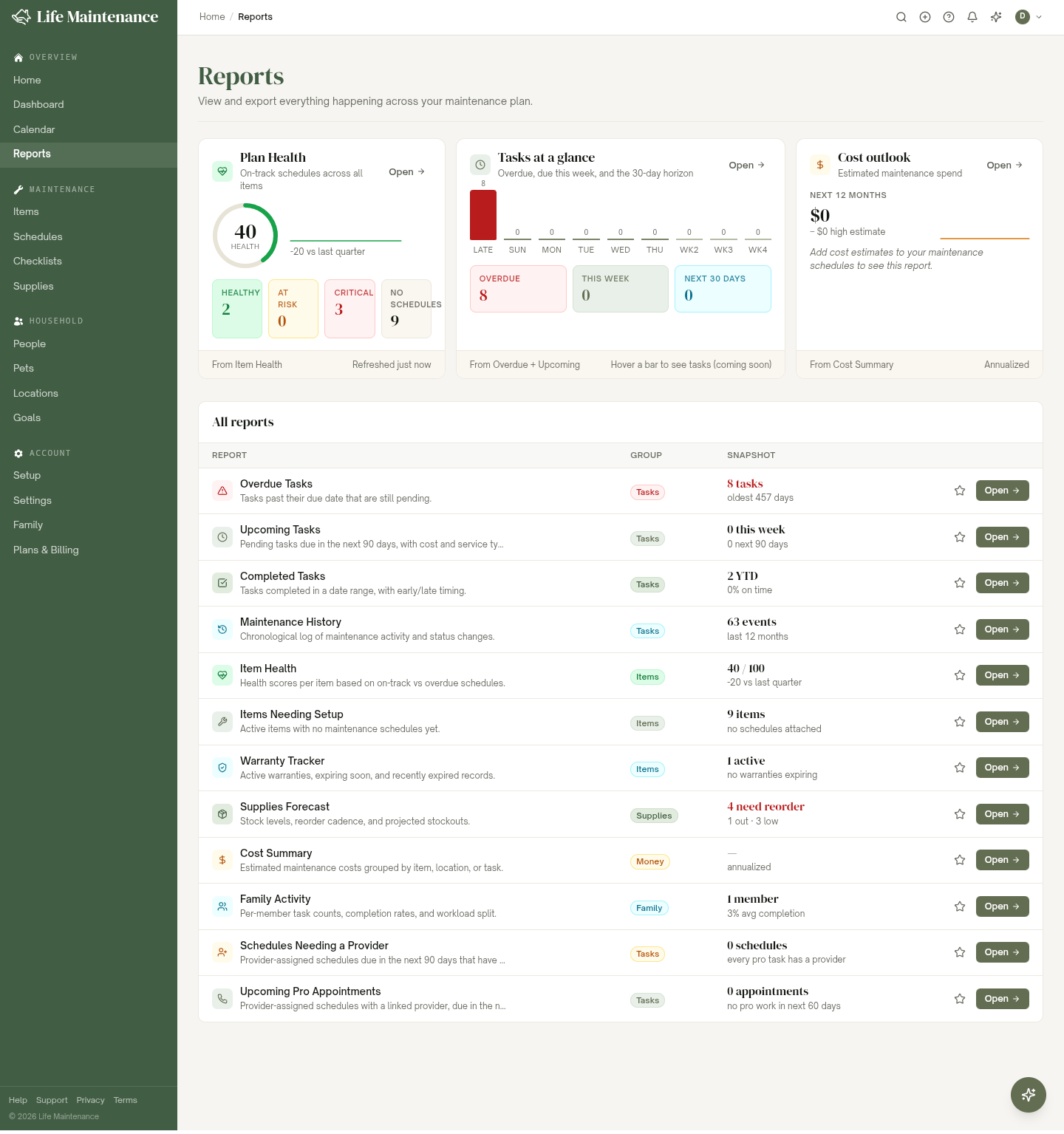
- The Cost outlook card at the top of the Reports page. It projects your estimated maintenance spend for the next 12 months, built from the cost estimates on your schedules.
- The Cost Summary report. It groups your maintenance costs by item, location, or task, so you can see where the money goes. Open it to a detail view you can filter and export.
On the Family plan
On Family, every household member's schedules feed one shared Cost outlook and Cost Summary. Use the Mine / Household toggle to switch between just your own estimated spending and the whole household's. Personal items stay on your own view.
What to read next
- Reports for the full cost views and exports.
- Schedules and reminders for where cost estimates live and how to mark a task as No charge.