
Goals
Goals turn everyday chores into rewards. Set a points target, like a movie night or a Lego set, and family members earn toward it by completing checklists that have points enabled. When they hit the number, the goal is ready to redeem.
A Family-plan feature
Goals are part of the Family plan. On Free or Pro, the Goals page shows an upgrade prompt instead. On Family, everyone in the household can see the goals and chip away at them.
What a goal looks like
Every goal has:
- A name. "Movie night." "New Lego set."
- A points target. The number of points needed to earn it, for example 100 or 500.
- A redemption scope. General (pool) means any points the person has earned can go toward this goal. This goal only (linked) means only points routed to this specific goal count.
- An optional image. Add a picture after you create the goal, from its detail page, so kids can see what they are working toward.
A progress bar fills as points are earned against the target.
Creating a goal
- Open the Goals page.
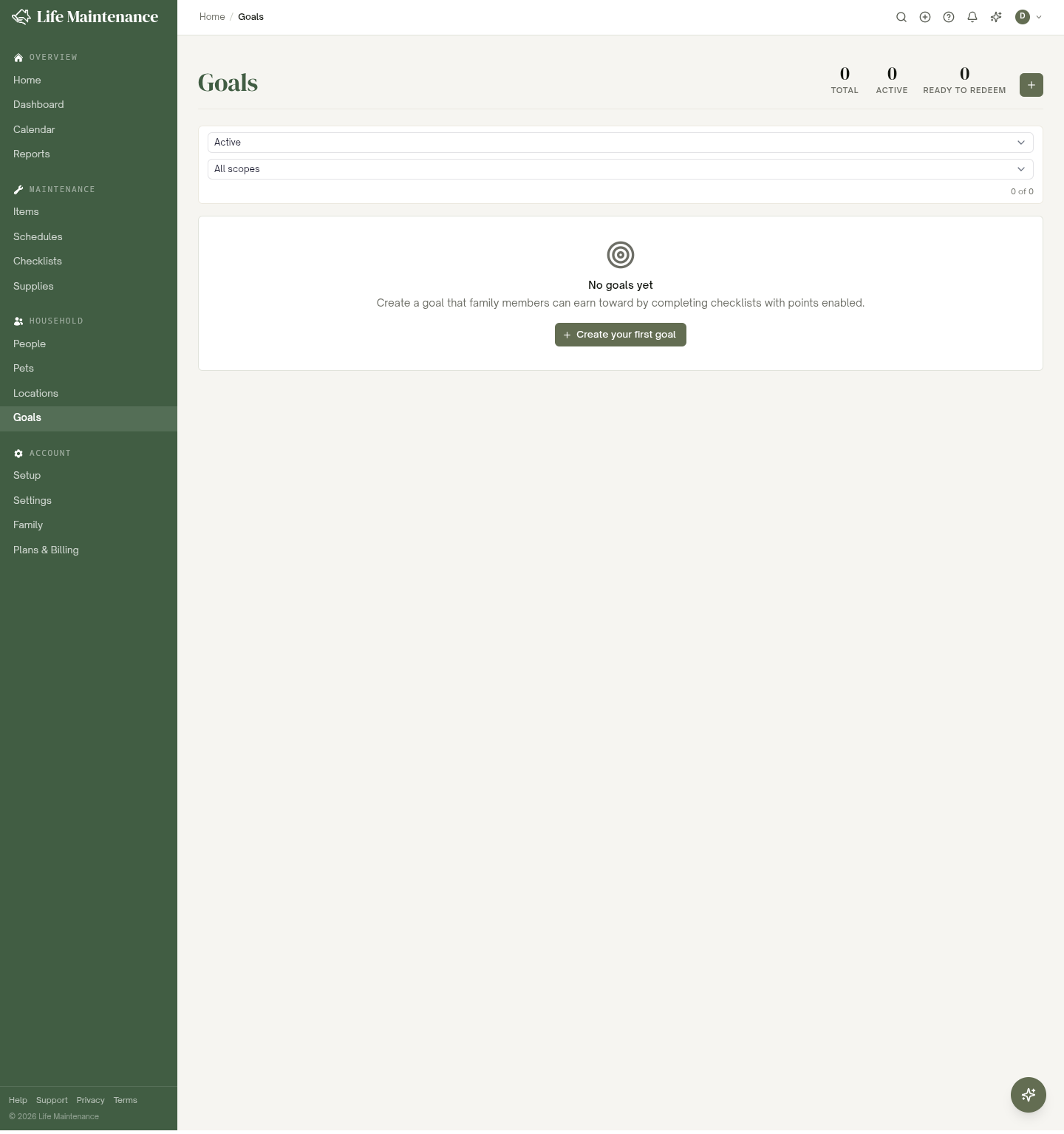
- Click New goal (or Create your first goal on an empty list).
- Give it a name and set the points required.
- Pick the redemption scope: General or This goal only.
- Save. Once it exists, open it to add an image if you want one.
How points are earned
Points come from the Points and Rewards system. Family members earn them by completing checklists that have points enabled. If the checklist has no approvers, the points credit automatically when the last task is checked off; if it does have approvers, they credit when the approver approves the finished checklist. Either way, those points then count toward any goal the person is working on.
See Points and achievements for the full earning and redemption story.
Redeeming
When a person's earned points reach the target, the goal flips to Ready to redeem and an owner or admin can cash it out. The redemption is recorded so you can see who redeemed what and when.
The stats at the top
Three stat pills summarize your goals:
- Total. Every goal in the household.
- Active. Goals still being earned toward.
- Ready to redeem. Goals that have hit their target.
Filtering
Filter the list by status (Active, Redeemed, Archived) and by scope (General pool or This goal only). On the Family plan you can also narrow by who a goal is for.
Archived goals
Once a goal is redeemed or retired, archive it. It stays in the record so you can look back, and repeatable goals can come around again.
What to read next
- Points and achievements for how points are earned and redeemed.
- Checklists for the lists that earn points.
- The Family plan for setting up your household.